You rarely need an outside Instagram photo downloader. For your own photos, the Instagram app can save originals to your phone, and “Download your information” exports every photo you have posted. For other people’s photos, the safe and allowed option is to save them to a private collection or ask the owner for the file.
Last updated: October 2026 · How we researched this: we read Instagram’s Help Center pages on photo resolution and downloading your data, Instagram’s Terms of Use, and the US Copyright Office’s guidance on fair use.
Key takeaways
- Instagram stores photos at a maximum width of 1080 pixels, so no downloader can give you a sharper copy than that.
- Your phone’s original photo is always higher quality than anything downloaded from Instagram.
- The Save (bookmark) feature keeps photos in private collections without downloading anything.
- Reusing someone’s photo in marketing needs their permission, even with credit.
What is an Instagram photo downloader, and what do you really need?
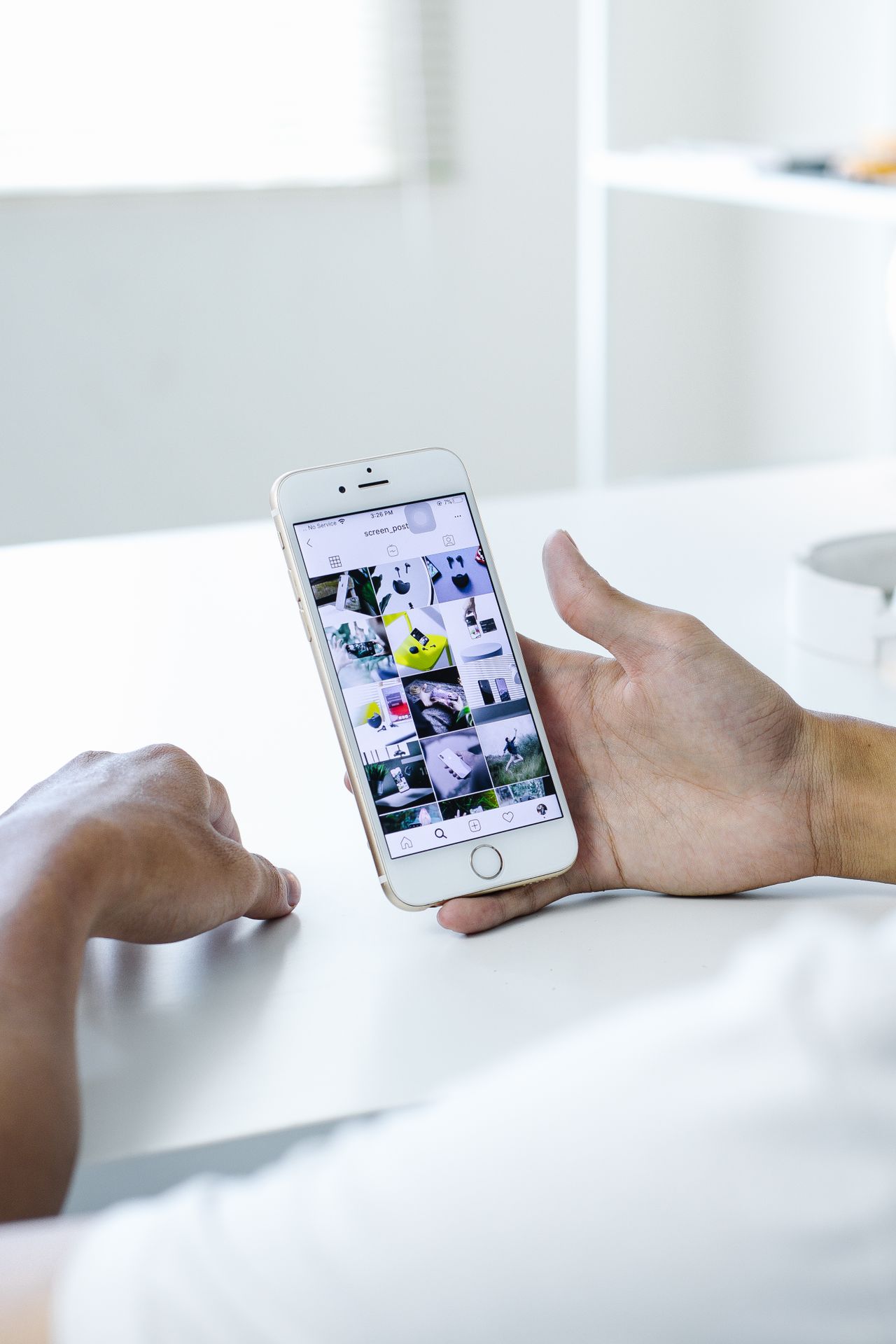
An Instagram photo downloader is a tool that saves an Instagram image as a file. Third-party versions are usually websites or apps where you paste a post link. Before reaching for one, match your goal to the right method:
| Your goal | Best method | Needs outside tool? |
|---|---|---|
| Back up photos you posted | Download your information | No |
| Keep a copy of new posts automatically | Save original posts to camera roll setting | No |
| Remember a photo for inspiration | Save to a private collection | No |
| Use a customer’s photo on your store or ads | Ask for the original file and written permission | No |
| Grab a stranger’s photo to repost | Don’t. Share it in Stories with credit or ask first | No |
How to save your own Instagram photos in the best quality
1. Turn on saving originals to your phone
In the Instagram app, open Settings and find the archiving and downloading section. Turn on the option to save original posts to your camera roll. From then on, each photo you post, including filters and edits, is saved on your phone.
2. Export everything with Download your information
- Open Accounts Center from Settings on the app or instagram.com.
- Go to Your information and permissions, then Download your information.
- Choose your Instagram account, then pick all information or only media.
- Pick a date range, HTML or JSON format, and media quality. Choose high quality.
- Instagram emails you a download link when the file is ready. The link expires after a few days, so save the file promptly.
3. Keep your originals outside Instagram
The file on your camera or phone is the true original. Store it in cloud backup before you post. This matters most for product photos you also use on your online store, for example a Shopify store.
Instagram photo quality: why downloaders can’t do better
According to Instagram’s help page on photo resolution, photos wider than 1080 pixels are sized down to 1080 pixels wide. Instagram also compresses images. So any Instagram photo downloader that promises “HD” or “4K” is just giving you the same 1080-pixel file, sometimes upscaled.
| Source | Typical quality |
|---|---|
| Your camera or phone original | Full resolution (often 3000+ pixels wide) |
| Instagram’s “save original” copy | Your edited version as saved on the phone |
| Download your information (high quality) | The stored Instagram version, up to 1080 pixels wide |
| Third-party photo downloader | Same stored version or lower; no improvement |
| Screenshot | Limited by your screen; may include interface elements |
Saving other people’s Instagram photos the right way
Instagram has no download button for other users’ photos. That is a deliberate choice to protect creators. Here is what you can do instead:
- Save to collections: tap the bookmark under a post. Create named collections such as “Ad ideas” or “Product shots.” Only you can see them.
- Share to Stories or DMs: sharing keeps the creator’s name attached.
- Ask for the file: a short DM asking for the original and permission is how brands handle user-generated content.
Copyright and Instagram’s rules
The person who took the photo owns the copyright. Instagram’s Terms of Use also forbid collecting content through unauthorized or automated means. Credit alone does not equal permission, and US fair use is judged case by case.
Risks of third-party Instagram photo downloader tools
- Sites that ask for your Instagram login can steal your account.
- Pop-up ads and fake buttons can lead to malware or scams.
- Downloader APKs and modded apps carry the highest risk. See our guide on Instagram downloader APKs.
- Tools that claim to show private photos are scams.
For videos and Reels, which do have an official download option, see our Instagram video downloader guide.
Instagram photo downloader FAQ
Can you download a photo from Instagram?
You can download your own photos through the save-original setting or Download your information. Instagram does not offer a download button for other people’s photos, but you can save them to a private collection.
Does Instagram notify someone if you save their photo?
No. Saving a post to a collection is private, and the owner is not told who saved it. Business and creator accounts only see the total number of saves in their insights.
Why are my downloaded Instagram photos blurry?
Instagram resizes photos to a maximum width of 1080 pixels and compresses them. Use the original file from your phone or camera when you need print or web quality.
Can I use an Instagram photo on my website if I credit the owner?
Credit is not the same as permission. Ask the owner for written approval first, or use Instagram’s official embed option, which keeps the post on Instagram.
Conclusion
The best Instagram photo downloader for your own pictures is Instagram itself, through the save-original setting and data export. For anyone else’s photos, use collections or ask the creator. No outside tool can beat the 1080-pixel limit, so keeping your own originals is the real quality fix.